Beginner
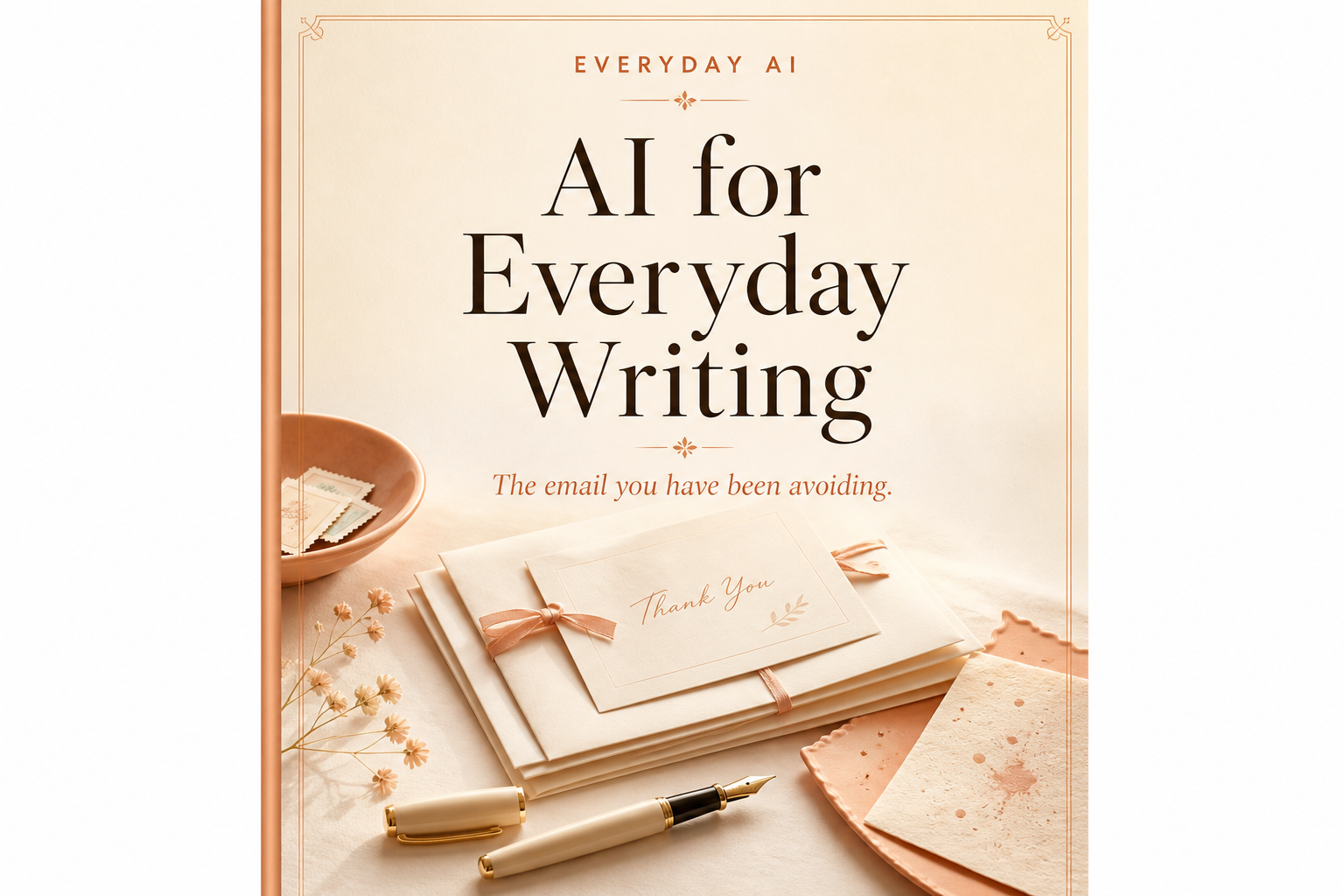
AI for Everyday Writing
The email you have been avoiding.
Anyone can use this page. Copy the prompt and try it today.
$5.99
Beginner
The email you have been avoiding.
Anyone can use this page. Copy the prompt and try it today.
$5.99
Dear reader,
You may have an email that you keep opening and closing.
Maybe you need to ask for a repair. Maybe you owe someone an apology. Maybe you need to say no without starting a fight.
The blank screen can make a small job feel large.
This book will help you begin. You will use a chat app to shape words you already mean. You do not need to sound clever. You do not need to learn special computer talk.
Bring the facts. Bring your rough words. The app can suggest a shorter or clearer draft.
You remain the writer.
You will check names, dates, requests, and promises. You will remove anything that is not true. You will decide whether to send the email at all.
Work on one real email as you read. Stop when a page gives you enough help. You do not have to use every tool in this book.
One clear, honest email is enough.
This book helps you finish the email you have been avoiding.
Lena has a note open on her phone. She knows what happened, but her first paragraph keeps growing. She decides to work on one part at a time.
The app may give you a draft. A draft is only a starting point.
Do not share a password, entry code, bank number, full account number, or private health fact. Do not paste another person’s private message unless you have permission.
Use simple labels instead. You can write “my neighbor” or “the repair company.”
You stay in charge of every word and of the Send button.
You only need a few words to begin.
Prompt
A prompt is what you type or paste into the chat. It tells the app what help you want.
Copy box
A copy box holds a short prompt from this book. Replace the words in square brackets with your own words.
Paste
To paste means to place copied words into the chat. On a phone or iPad, press and hold inside the message area. Tap Paste.
Check
To check means to compare the answer with what you know. Look at every name, date, amount, request, and promise. Fix or delete anything wrong.
Official app
Use the real ChatGPT, Claude, or Gemini app or website. Check the app maker before you sign in. Avoid look-alike apps that ask for unusual payments or private details.
If a button looks different on your screen, that is all right. You need only a place to type and a button to send your message to the chat.
You are gathering the facts before asking for a draft.
Lena wants to email about a leaking sink. She first removes her door code and full address. Then she writes down the two dates she called.
COPY THIS
Do not: Paste passwords, entry codes, full account numbers, or another person’s private note.
Next: Read the missing-items list. Find the facts yourself. If you cannot check a fact, leave it out or say that you are unsure.
Stop here when you have a short, safe fact list.
You are turning your fact list into a plain email.
Sam has put off asking a repair company about a missed visit. His notes are messy, but his request is simple: he wants a new date.
COPY THIS
Do not: Let the draft invent a visit, promise, rule, deadline, or reason.
Next: Circle the request. If it is hard to find, move it into the first two sentences. Delete any history that does not help the reader understand or answer.
Stop here when the email says what happened and what you need.
You are removing extra words while keeping the important parts.
Lena has written three paragraphs about why she replied late. The reader mainly needs to know whether Tuesday works.
COPY THIS
Do not: Trust a shorter line just because it sounds smooth. The app may remove a condition or make a careful answer sound final.
Next: Check names, dates, times, amounts, and words such as “may,” “will,” and “cannot.” These small words can change the meaning.
Stop here when the shorter email still says exactly what you mean.
You are fixing unclear lines without turning into a different person.
Sam writes in short sentences. The app gives him a polished note full of words he would never say. He goes back to his own draft.
COPY THIS
Do not: Accept fancy words, warm feelings, jokes, or smooth transitions that do not sound like you.
Next: Say each suggested line aloud. If you would not say it to this person, change it or keep your first line.
Stop here when the email sounds like you on a clear day, not like a stranger.
You are making one request clear and easy to answer.
Lena needs a neighbor to take in a package. Her first draft explains the whole delivery problem before it asks for help.
COPY THIS
Do not: Call the favor quick, easy, or urgent unless that is true. Do not add guilt, praise, or a second request.
Next: Imagine reading the message while busy. Can the person answer in one short line? If not, cut more background.
Stop here when the action and time are easy to find.
You are writing a kind answer that still means no.
Sam is asked to help at an event on Saturday. He cares about the group, but he cannot go. His first draft leaves room for more pressure.
COPY THIS
Do not: Add "maybe," "I will try," or a made-up reason. Do not offer another day unless you have chosen it yourself.
Next: Read only the sentence with your answer. Does it still mean no? Warm words may come before or after it, but they should not undo it.
Stop here when the boundary is kind and clear.
You are shaping an apology without making excuses or asking for comfort.
Lena missed a friend’s dinner and did not call. She wants to take responsibility. She does not want the note to become a speech about her guilt.
COPY THIS
Do not: Use "if you were hurt." Do not claim the other person forgives you. Do not add an emergency, a lesson learned, or a promise you did not make.
Next: Remove any line that asks the other person to comfort you or forgive you at once.
Stop here when every sentence is something you truly mean.
You are separating settled facts from open questions.
Sam is emailing his family about a weekend trip. The date is set. The cost is not. A neat draft could make both sound final.
COPY THIS
Do not: Let the app invent a price, booking, vote, date, or person responsible for a job.
Next: Check every item under SET. Move anything uncertain to STILL OPEN. Bold headings can make a guess look true, so check the words beneath them.
Stop here when facts, guesses, and questions are clearly separate.
You are making a thank-you note warm by naming what the person did.
Lena’s friend fed her cat and sent a photo each morning. That detail matters more than a page of grand praise.
COPY THIS
Do not: Invent a gift, future favor, memory, or strong feeling. Do not call someone "the best" unless that sounds like you.
Next: Remove one general compliment. Keep the real detail instead. Specific thanks often feels warmer than bigger words.
Stop here when the note names the care you actually received.
You are choosing a subject line and first sentence that match the email.
Sam’s email is ready, but the subject says only "Hello." The real point is moving Sunday’s walk to eleven.
COPY THIS
Do not: Choose a clever or exciting subject that hides the real job. Avoid "urgent," "important," and "quick question" unless those words are honest.
Next: Put the subject beside the first sentence. They should prepare the reader for the same message.
Stop here when the plainest useful subject is in place.
You are finding the one problem instead of making more drafts.
Lena has asked for four rewrites. One is too formal. One weakens her request. One adds a date she never gave. The chat is drifting away from her facts.
You can type: "Do not rewrite this email. Point to the one line that sounds too formal and suggest a smaller change."
Do not: Keep a polished sentence that changes a fact or promise. Do not assume the newest draft is the best one.
Next: Compare the repaired line with your original meaning. If the meaning moved, return to your own words.
Stop here after one useful repair. More versions can create more choices without making the email safer or clearer.
You are building confidence with small editing jobs.
Do not make up emails just to follow this plan. Use a real note that is already waiting. Skip any day when there is no useful job.
Stop here when you learn which small kind of help works for you. You do not need to use AI every day.
You are checking the final email for truth, tone, and safety.
Sam has a clean draft and his finger near Send. He pauses for one minute.
Read the email aloud once. Fix the line where you stumble.
Do not reopen every sentence just because the app can make another version. A real email does not need to be perfect. It needs to be true, clear, and safe to send.
Stop here when all seven checks pass.
You are deciding whether this email should leave your screen.
Lena’s avoided email is now short. The dates are correct. Her request is easy to find. One sentence is not elegant, but it sounds like her.
She may send it. She may also wait.
Wait if the facts are uncertain. Wait if you are still very angry. Wait if the message makes a promise you have not accepted. Wait if a phone call, official form, or trusted person would be safer.
A chat app can suggest words. It was not in the room. It does not know the full history. It cannot decide what risk is right for you.
Keep the useful parts: a clear opening, a shorter story, a visible request, or a firm boundary.
Delete language that feels borrowed or untrue.
Ask yourself four questions:
Stop here. If all four answers are yes, you may be ready to send.
This book uses a simple idea: bring your own words and facts, then use the app for editing help.
OpenAI reported in 2025 that writing made up about 40% of work-related ChatGPT messages in its study. About two-thirds of those writing messages asked for changes to text the user already had. This describes how people used the tool. It does not prove that every edit was correct or better.
OpenAI, "How People Are Using ChatGPT," September 15, 2025
https://openai.com/index/how-people-are-using-chatgpt/
Google’s prompt guide says clear requests work best when people give a goal, useful background, limits, and the shape of the wanted answer. This book turns that broad advice into short, ordinary requests.
Google Cloud, "Prompt design strategies"
https://docs.cloud.google.com/gemini-enterprise-agent-platform/models/prompts/prompt-design-strategies
Research cannot check your email for you. Always check facts, protect private information, edit the wording, and choose whether to send.